
Gadgets
What If Money Came in While You Slept?
Quick Answer: Passive income ideas let you earn money with little daily effort after some upfront work. Good beginner options include selling digital products, affiliate marketing, dividend stocks, and creating online content. Start with one idea, stay consistent, and let it grow. Passive income is built over time, not found overnight.
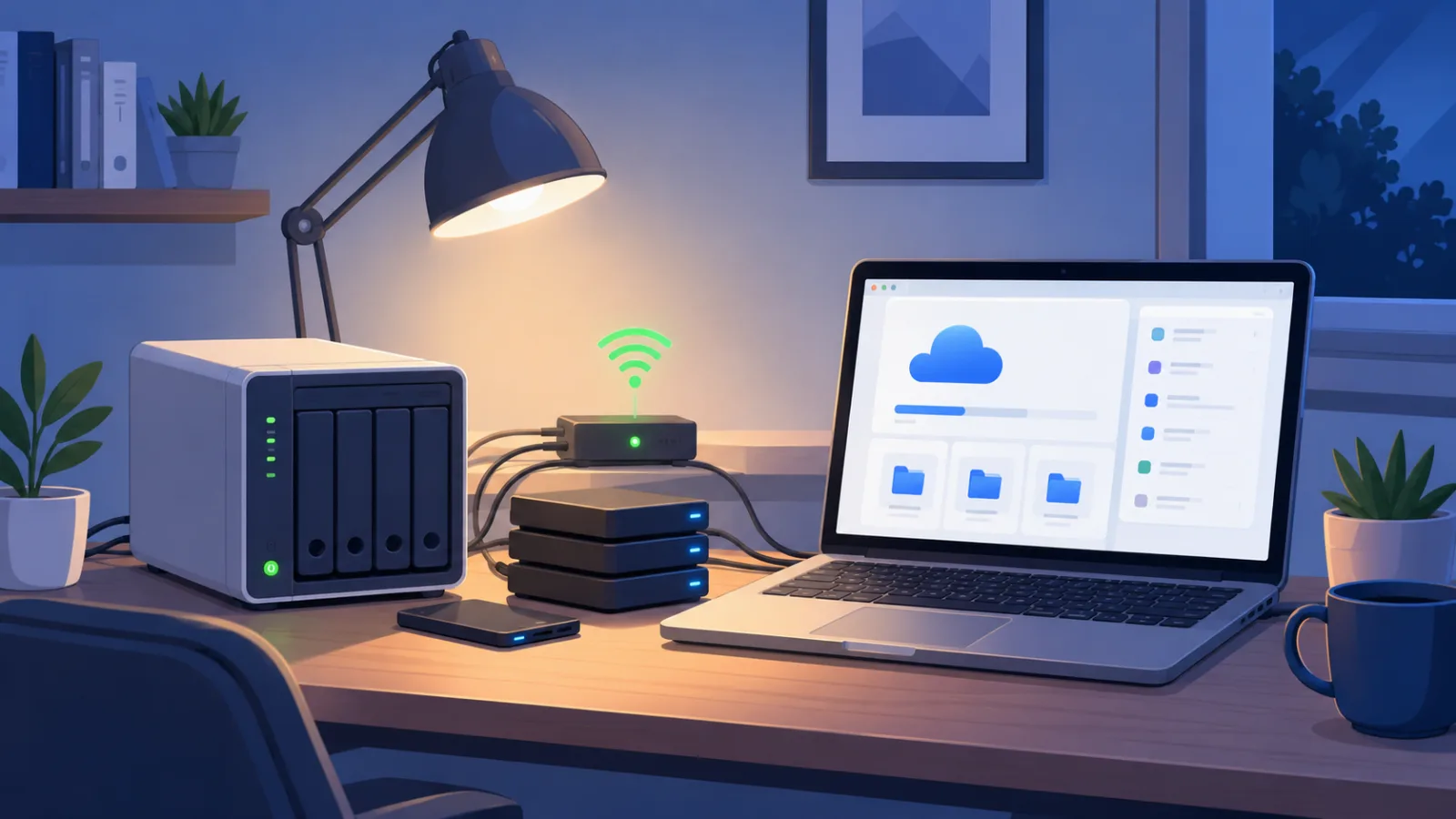
How to Self-Host Your Own Cloud Storage at Home (And Ditch iCloud or Google Drive)
Learn how to self-host your own cloud storage at home and finally stop paying for iCloud or Google Drive. Simple steps anyone can follow.

Wireless Earbuds vs Wired Headphones: Which One Deserves Your Ears?
Quick Answer: Wireless earbuds vs wired headphones comes down to lifestyle. Earbuds win for commutes, workouts, and tangle-free convenience. Wired headphones win for sound quality per dollar, zero battery worries, and lag-free gaming. If you’re always on the move, go wireless. If you sit at a desk most of the day, wired gives you more for less. Here’s a wild fact: big phone makers started ditching the headphone jack back in 2016, and the argument still hasn’t cooled off. Now you’re standing in the audio aisle wondering which side to join. The wireless earbuds vs wired headphones debate isn’t really about which one is “better.” It’s about which one fits your actual day. Maybe you run every morning before class. Maybe you edit videos at a desk until midnight. Those two people need very different gear, and buying the wrong kind means paying twice. This guide compares sound, price, comfort, battery, and lag in everyday words — zero snob talk included. Keep reading, and you’ll know exactly where your money should go.
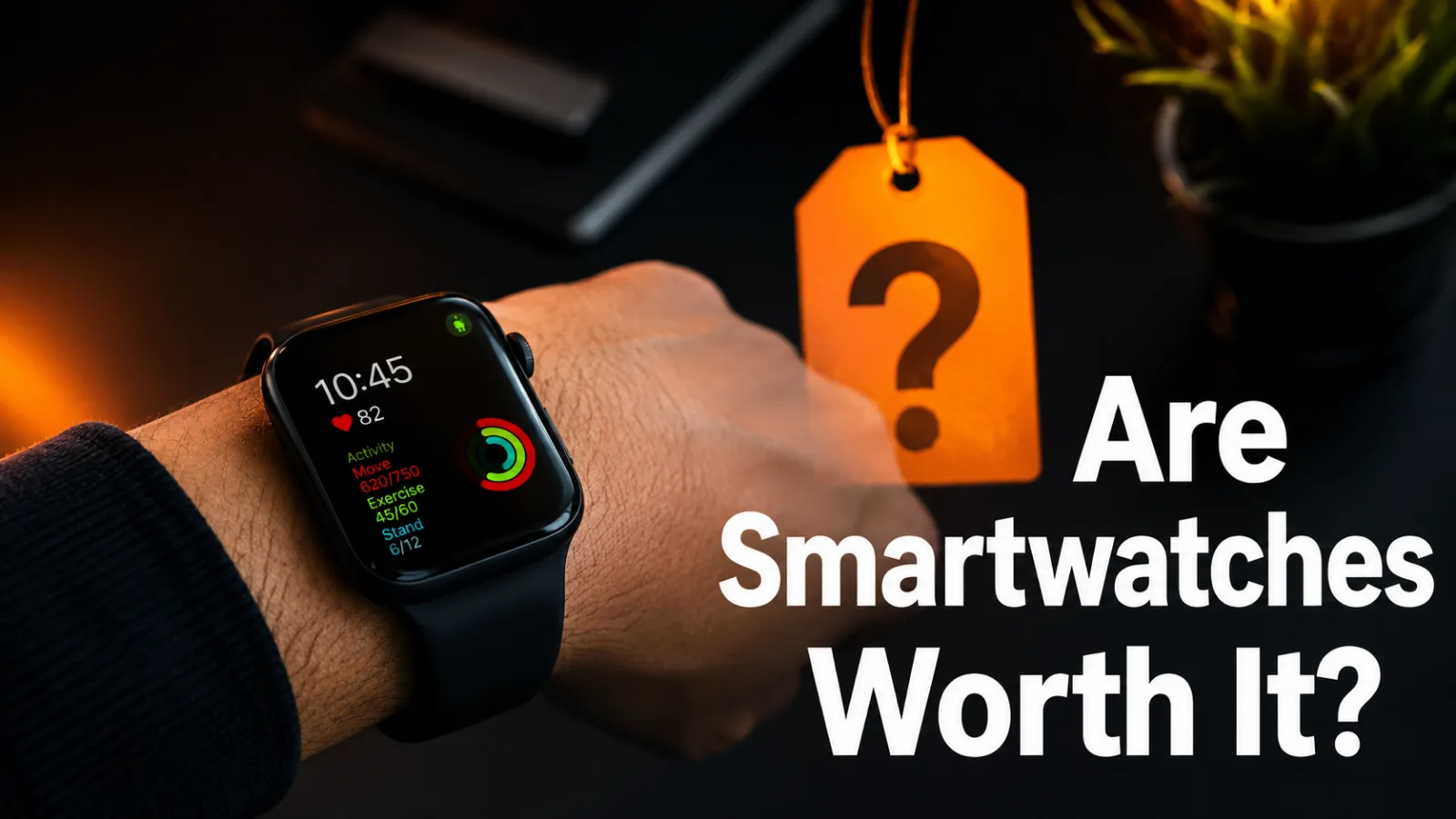
Are Smartwatches Worth It? Here’s What Your Money Really Buys
Quick Answer: Are smartwatches worth it? For most people, yes — if you’ll actually use the fitness tracking, notifications, and safety features. A $150 to $300 model covers everything a beginner needs. Skip one if you rarely move, hate charging another gadget, or only want to know the time. Your buddy glances at his wrist, closes a fitness ring, and grins like he just won the lottery. Meanwhile, you’re wondering if that tiny screen is really worth a week of grocery money. So, are smartwatches worth it, or are they just expensive step counters? Here’s the thing. The answer depends on how you live, not on what the ads promise. Some people get real value from wearable tech every single day. Others shove theirs in a drawer by February. This guide breaks down the true costs, the honest perks, and the deal-breakers in plain English. Stick with it to the end, and you’ll know exactly which camp you’re in — before you spend a dime.
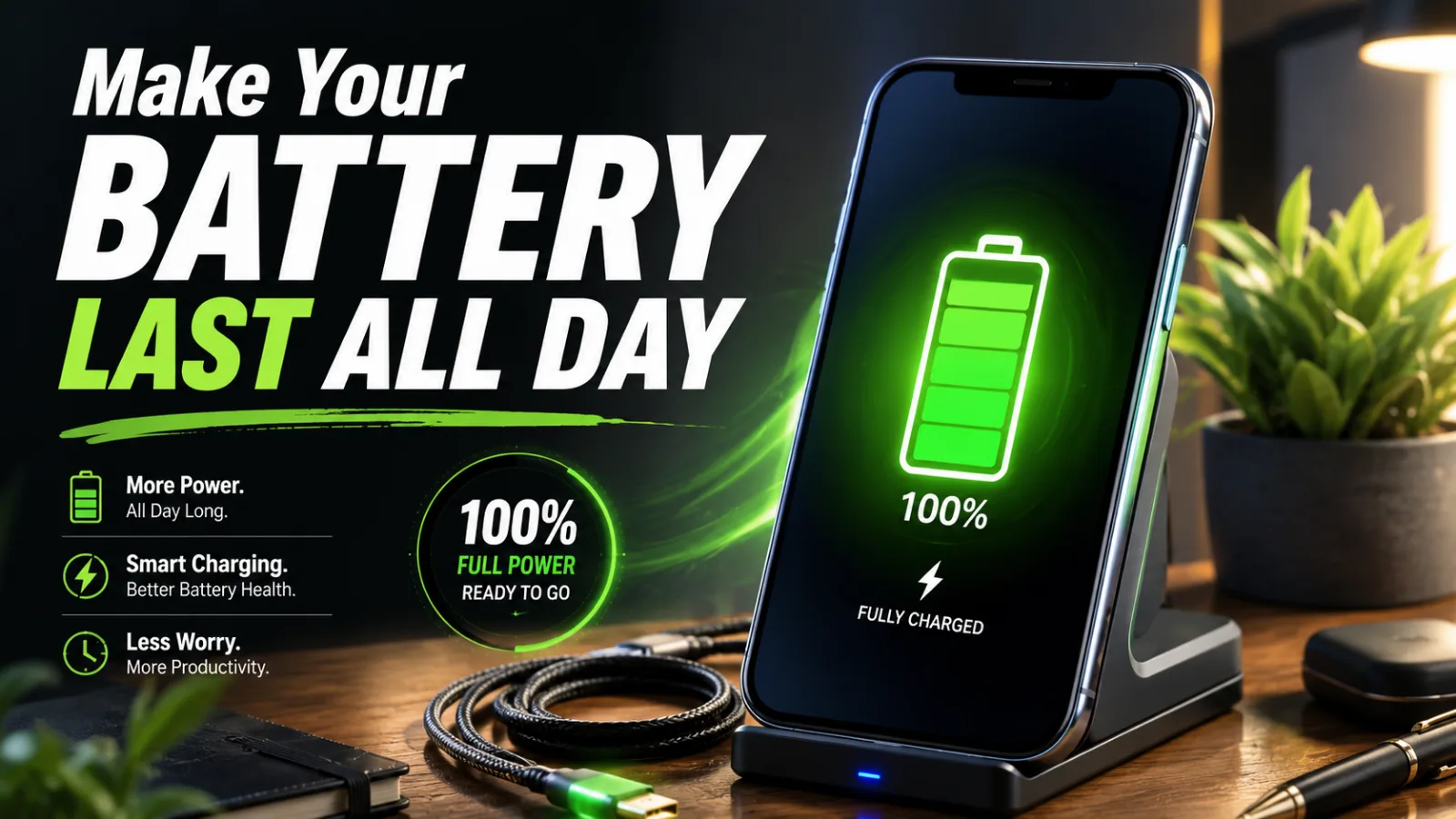
How to Make Your Phone Battery Last Longer (Even on Your Busiest Days)
Quick Answer: To make your phone battery last longer, lower your screen brightness, shorten the auto-lock timer, limit background app refresh, and turn on battery saver before you hit 20%. For long-term health, avoid heat and try to keep the charge between 20% and 80% when you can. It’s 1 p.m., you’ve barely used your phone, and the battery already reads 15%. Now the rest of your day becomes a scavenger hunt for outlets. Frustrating, right? The fix usually isn’t a new phone. Once you learn how to make your phone battery last longer, a handful of settings buys you hours — and a few charging habits keep the battery healthy for years. This guide covers both, for iPhone and Android, in plain steps you can finish during a coffee break. Give the first three changes a shot today and watch where your battery sits tomorrow at 1 p.m.
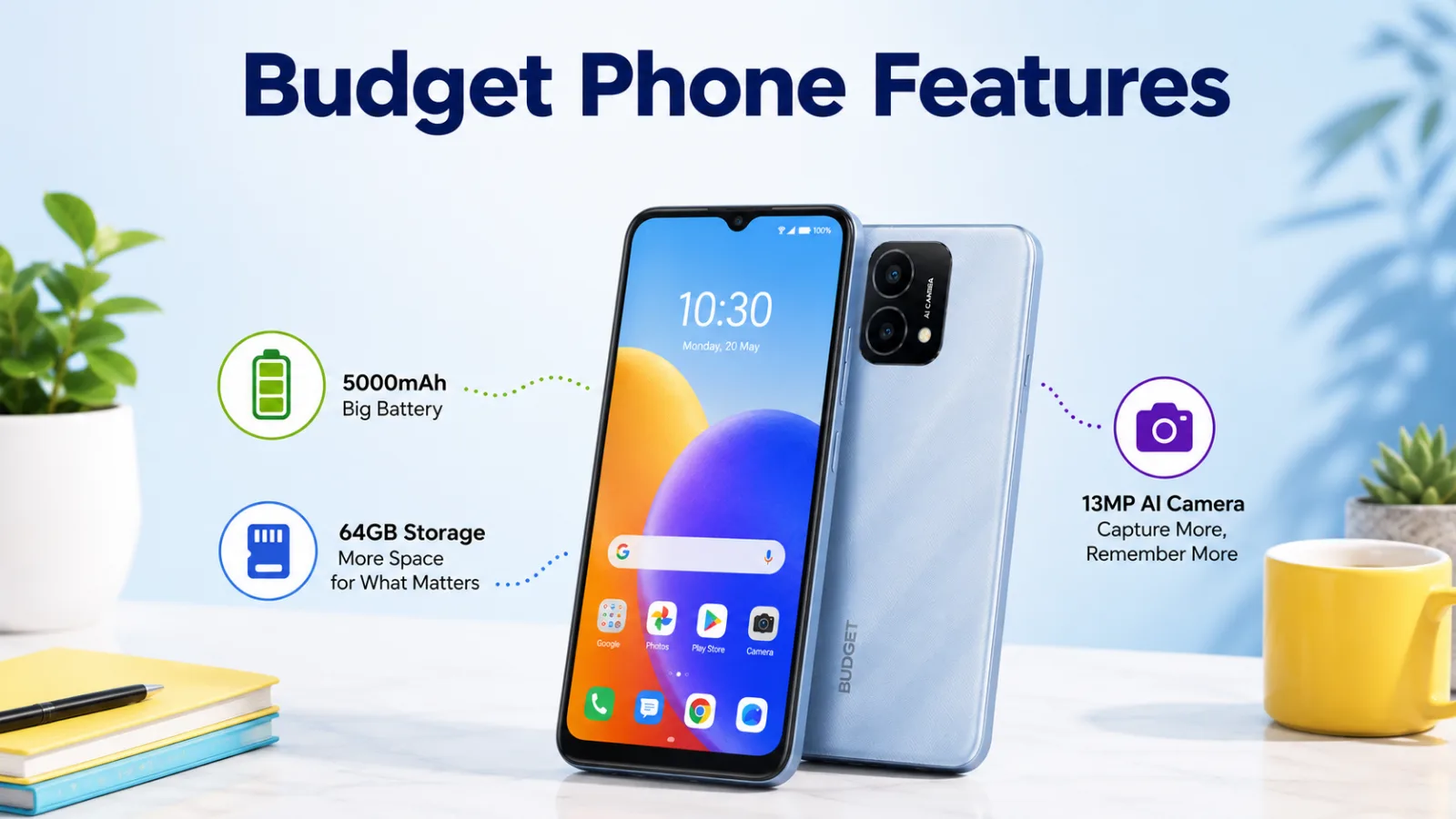
Budget Smartphone Features That Really Matter
Quick Answer: The budget smartphone features that matter most are good battery life, enough RAM and storage, and a clear display. Look for at least 4GB of RAM, 128GB of storage, and a battery that lasts all day. A decent camera and recent software help too. Focus on these, and skip the fancy extras.
In-feed ad slotnative · fluid