Is My Phone Listening to Me? Here’s the Honest Truth
Quick Answer: Is my phone listening to me? Mostly, no. Studies found no proof that apps secretly record your talks for ads. Targeted ads feel spooky because apps track your browsing, location, and habits instead. Your phone only truly listens for wake words like “Hey Siri.” You can limit tracking in your settings.
Read in
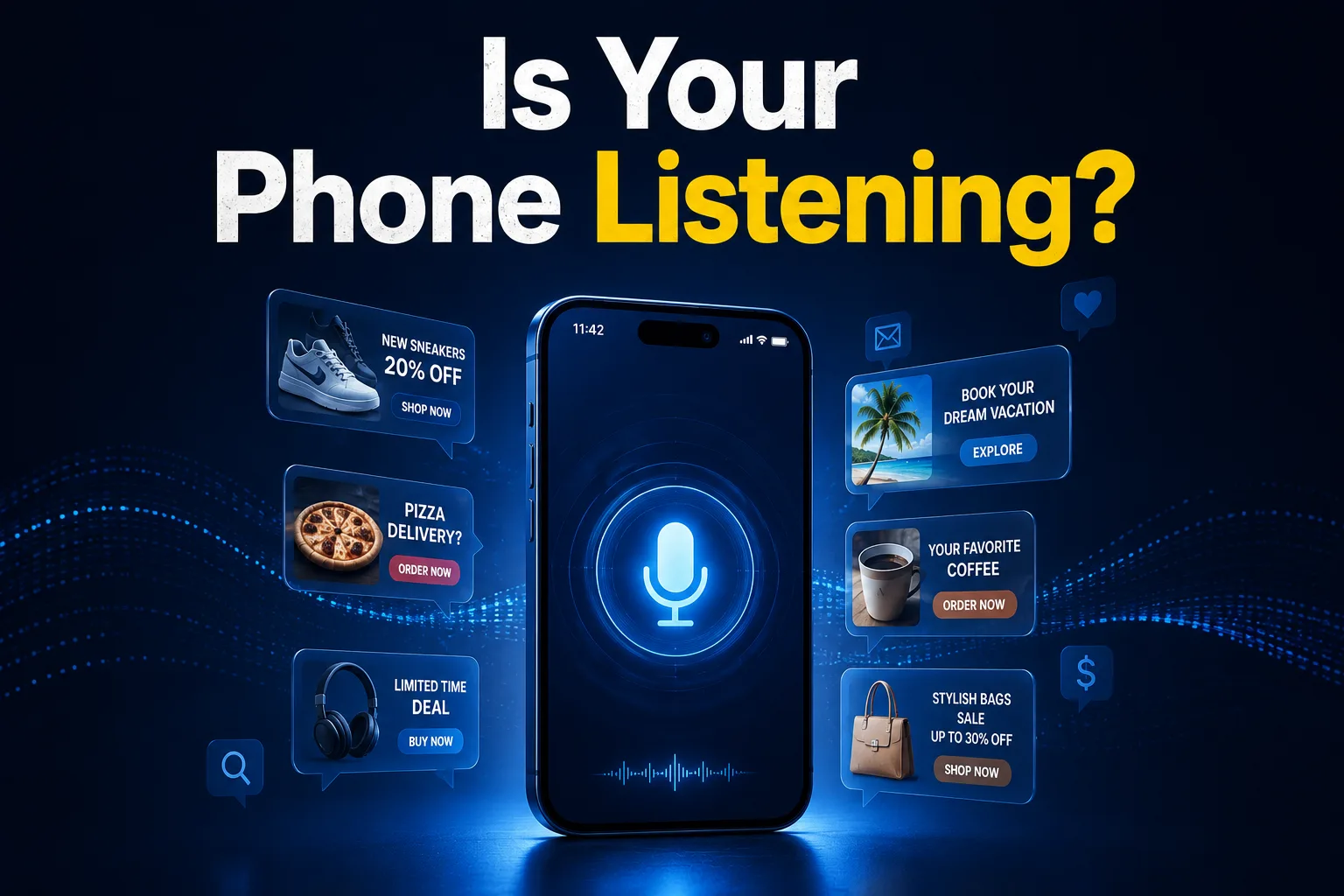
You Talked About It. Then You Saw the Ad.
In-content ad slot300 × 250 / responsive
You mentioned new shoes to a friend. You never searched for them. An hour later, shoe ads pop up everywhere.
Creepy, right? You’re not imagining it. It happens to almost everyone.
So, is my phone listening to me? It’s the question everyone asks. And the answer might surprise you.
The truth is more interesting than simple spying. Your phone knows you in a sneakier way.
Let me break it all down. By the end, you’ll know what’s really going on and how to protect yourself.
What Does “Is My Phone Listening to Me” Really Mean?
The idea is simple. People worry their phone records private talks and uses them for ads. It feels that real.
Surveys show most people believe it. Around 70% say they’ve seen an ad for something they only talked about. That’s a lot.
But feeling watched and being recorded are two different things. The real story is about data, not audio.
So when you ask “is my phone listening to me,” the honest answer is mostly no. But something else is going on.
Why Your Phone Feels Like It’s Spying
Ads feel spooky for a reason. Apps track a huge amount about you. Just not through secret recordings.
Here’s what they actually track:
Your browsing across websites and apps
Your location and where you shop
Your searches and what you click
Your habits and daily patterns
People near you with similar interests
Put all that together, and apps predict your wants scary well. It only feels like listening.
How to Protect Your Privacy Step by Step
Want to take back control? Follow these steps to limit tracking.
Step 1: Check Your App Permissions
Go to your settings and review which apps use your microphone. Turn off access for apps that don’t need it. A flashlight app doesn’t need your mic.
Step 2: Limit Ad Tracking
Both iPhone and Android let you limit ad tracking. Turn this on in your privacy settings. It reduces those creepy targeted ads.
Step 3: Review Location Access
Many apps track your location even when closed. Set them to “while using” or “never.” Your location is valuable data.
Step 4: Turn Off Voice Assistants If You Want
If wake words worry you, turn off “Hey Siri” or “OK Google.” Your phone won’t listen for them anymore. It’s your choice.
Step 5: Clear Your Ad Data
Reset your advertising ID in settings. This clears the profile advertisers built on you. It’s like a fresh start.
Want to check your privacy settings or manage permissions easily? You can use a [free online tool] that helps you spot privacy risks in seconds — no signup needed.
The Truth About When Phones Actually Listen
Your phone does listen sometimes, but only in small ways. Here’s when:
For wake words like “Hey Siri” or “OK Google”
When you use voice search or dictation
During voice calls and voice messages
When an app has mic access and you’re using it
Outside of these, there’s no proof apps record your talks for ads. The spooky ads come from tracking, not audio.
Common Myths About Phone Listening
Lots of false ideas float around. Let’s clear them up.
Myth 1: Apps Record Everything You Say
Studies found no proof of this. Apps don’t secretly record your talks for ads. The tracking is about your data, not your voice.
Myth 2: Covering the Mic Stops All Tracking
It stops audio, but not data tracking. Apps still follow your clicks and location. You need to change settings too.
Myth 3: Only Big Apps Track You
Small apps track you as well. Any app with permissions can collect data. Always check what you allow.
Myth 4: There’s Nothing You Can Do
You have real control. Changing your settings cuts tracking a lot. A few minutes makes a big difference.
Phone Tracking vs Real Listening: The Difference
Confused about what’s happening? This table clears it up.
Feature
Data Tracking
Real Listening
How it works
Your clicks and location
Your microphone
Happens when
All the time
Only for wake words
Used for ads
Yes, heavily
No proof of this
Can you limit it
Yes, in settings
Yes, turn off mic
Feels like spying
Very much
Not usually
Most “spying” is just clever tracking. Real listening is rare and limited. Now you know the difference.
Pro Tips to Stay Private on Your Phone
Want more control? These tips help.
Review app permissions every few months.
Turn off mic access for apps that don’t need it.
Limit ad tracking in your privacy settings.
Use a private browser for sensitive searches.
Reset your advertising ID now and then.
Read permission requests before you tap “allow.”
Delete apps you don’t use anymore.
Why Blogslet Is Your Trusted Tech Guide
Privacy news is often full of fear and confusion. We give you the calm, honest truth.
At Blogslet, we explain tech in plain words, not scary headlines. You get real facts and clear steps you can trust.
Readers count on us to cut through the noise. We want you informed and in control, not anxious.
Frequently Asked Questions
Is my phone really listening to my conversations?
Mostly no. Studies found no proof that apps secretly record your talks for ads. Your phone only truly listens for wake words like “Hey Siri.” The spooky ads come from tracking your browsing, location, and habits, not from recording your voice.
Why do I see ads for things I only talked about?
Apps build detailed profiles from your browsing, location, and shopping. Their algorithms predict your interests so well it feels like listening. Often, a friend nearby searched something, or you clicked a related link. It’s smart tracking, not eavesdropping.
How do I stop my phone from tracking me?
Go to your privacy settings and limit ad tracking. Turn off microphone and location access for apps that don’t need them. Reset your advertising ID too. These steps cut tracking a lot and reduce those creepy targeted ads over time.
Do voice assistants like Siri always listen?
They listen only for their wake words, like “Hey Siri” or “OK Google.” A small chip handles this on your device. Audio goes to the cloud only after the wake word fires. You can turn voice assistants off if it worries you.
Should I cover my phone’s microphone?
Covering the mic blocks audio, but it won’t stop data tracking. Apps still follow your clicks, searches, and location. It’s better to change your settings and limit permissions. That protects you far more than covering the microphone alone.
Can apps use my mic without permission?
No. Apps need your permission to use the microphone. You grant it when you tap “allow.” That’s why checking your app permissions matters. Turn off mic access for any app that doesn’t truly need it to stay safe.
Wrapping Up
So, is my phone listening to me? Mostly no — it’s tracking your data instead, which feels just as spooky. The good news is you can limit it in your settings.
Take a few minutes to check your permissions today. Your privacy is worth it.
Want more honest tech truths without the fear? Visit Blogslet for clear guides that keep you informed and safe.
buildbyahmad.site/blog
Keep reading